KontrolRack I/O Model
The KontrolRack architecture is loosely defined in order to be versatile.
Control arrangements are dependent on purpose and function, but a flexible architecture leaves room for creative expression.
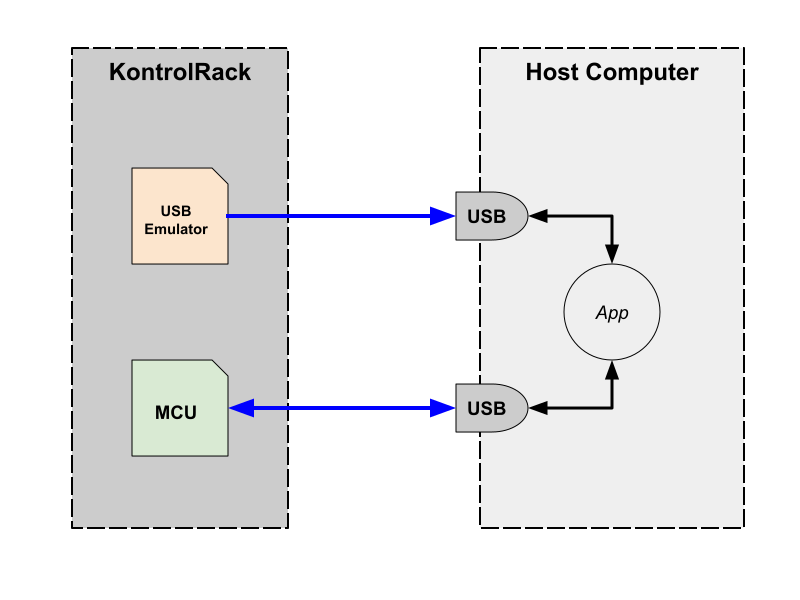
Some basic requirements can serve as a launching point for a KontrolRack design:
- A USB (or equivalent) connection between the KontrolRack and the host computer.
- At least one KontrolRack Module.
Also consider some constraints that you can “prefer” or “avoid”, to help guide your design. Here are some ideas that can simplify construction, maintenance, and use:
- Prefer common industrial devices and connectors for availability and reliability, and to keep pricing low.
- Prefer panel-mount devices to simplify installation, replacement, and rewiring.
- Avoid breadboard-style jumpers: solder whenever possible, or use industrial connectors.
- Prefer momentary (MOM) buttons with LEDs: their states can be set programmatically.
- Avoid latching buttons and toggle switches: their states can only be set physically.
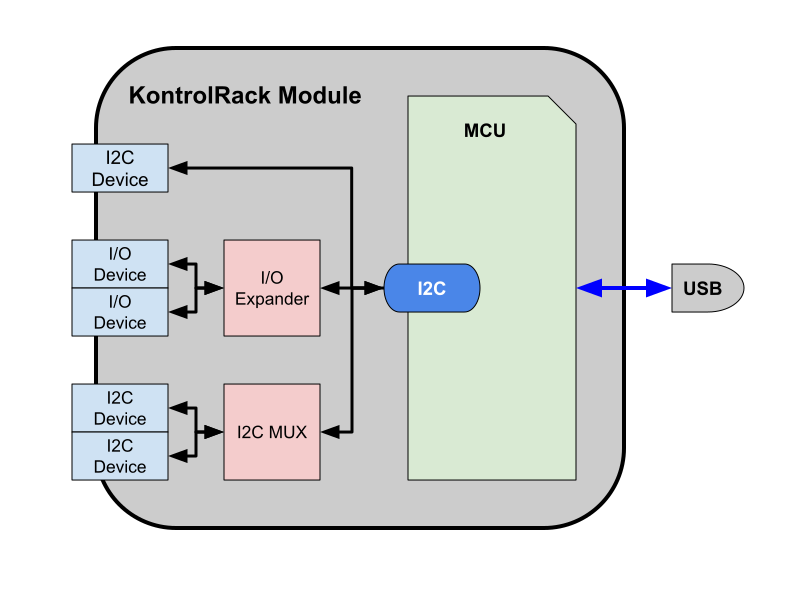
- Prefer an I2C switch (MUX) for multiples of the same device so they can keep default I2C addresses, and thus reduce soldering and firmware configuration.
- Avoid custom hardware and circuit boards in order to reduce manufacturing cost.
A Module should encapsulate meaningful functionality. Even so, it can contain as many devices as deemed necessary, or devices can be spread across as many Modules as deemed necessary.
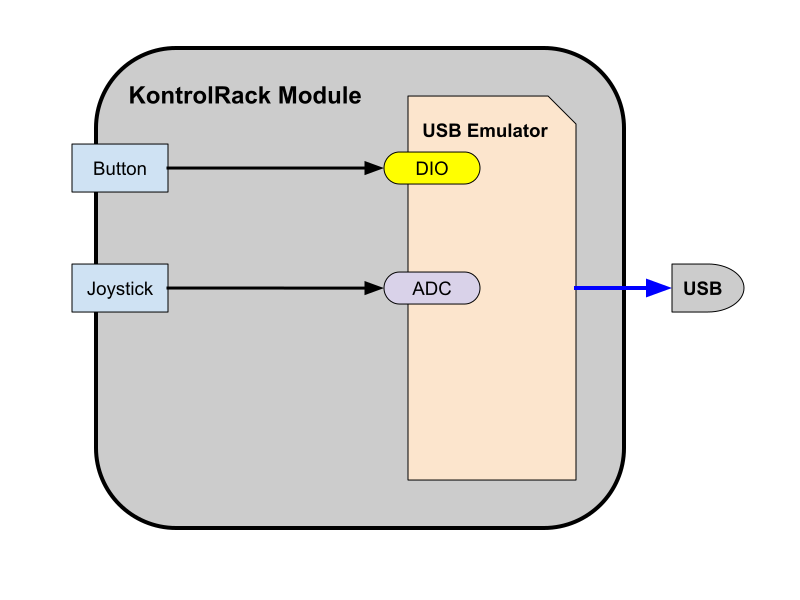
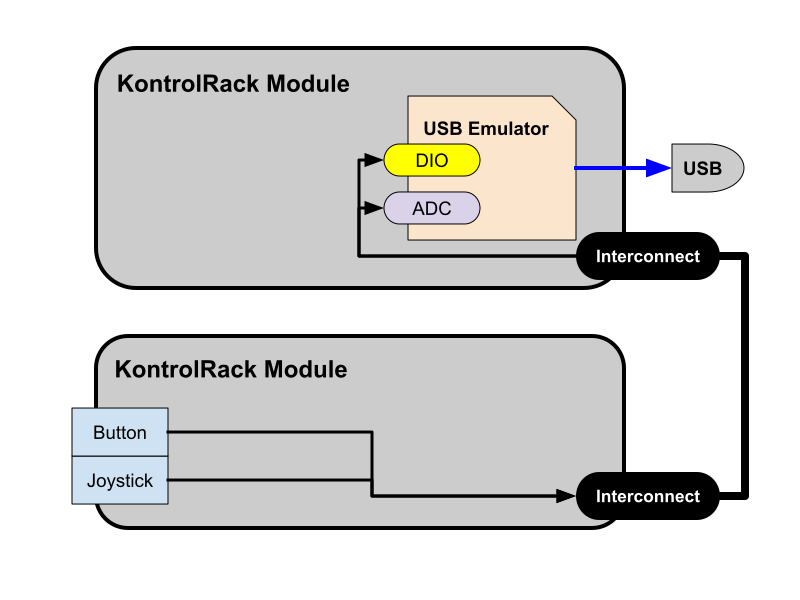
A USB emulator and all its I/O can be in one Module, or the emulator can be in its own Module with an Interconnection between it and all the Modules that it serves.
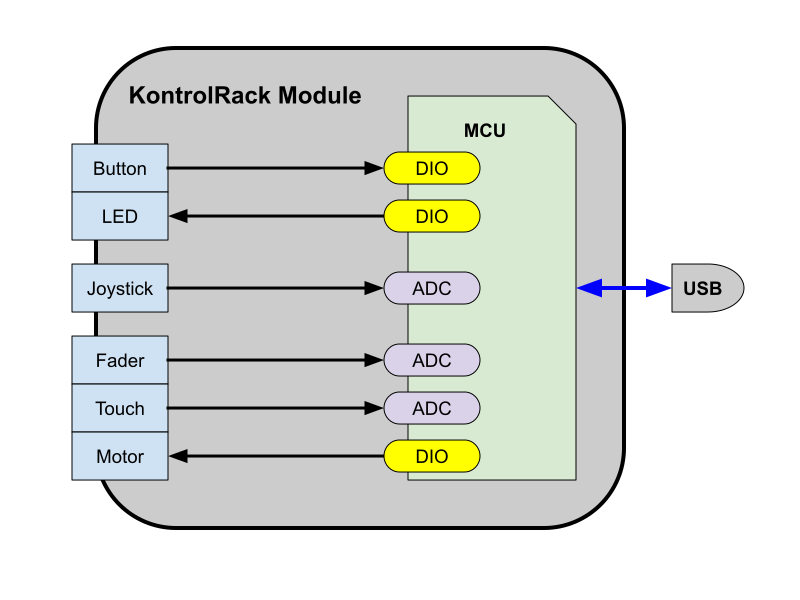
Programmable microcontrollers can use any combination of digital, analog, and serial (I2C/SPI) Input and Output. Microcontroller-based Modules can also be spread across many Modules through an Interconnection.